Memo Mender
iPhone · Productivity · US$3.99, one-time · Resonant Labs LLC
Press kit
Description
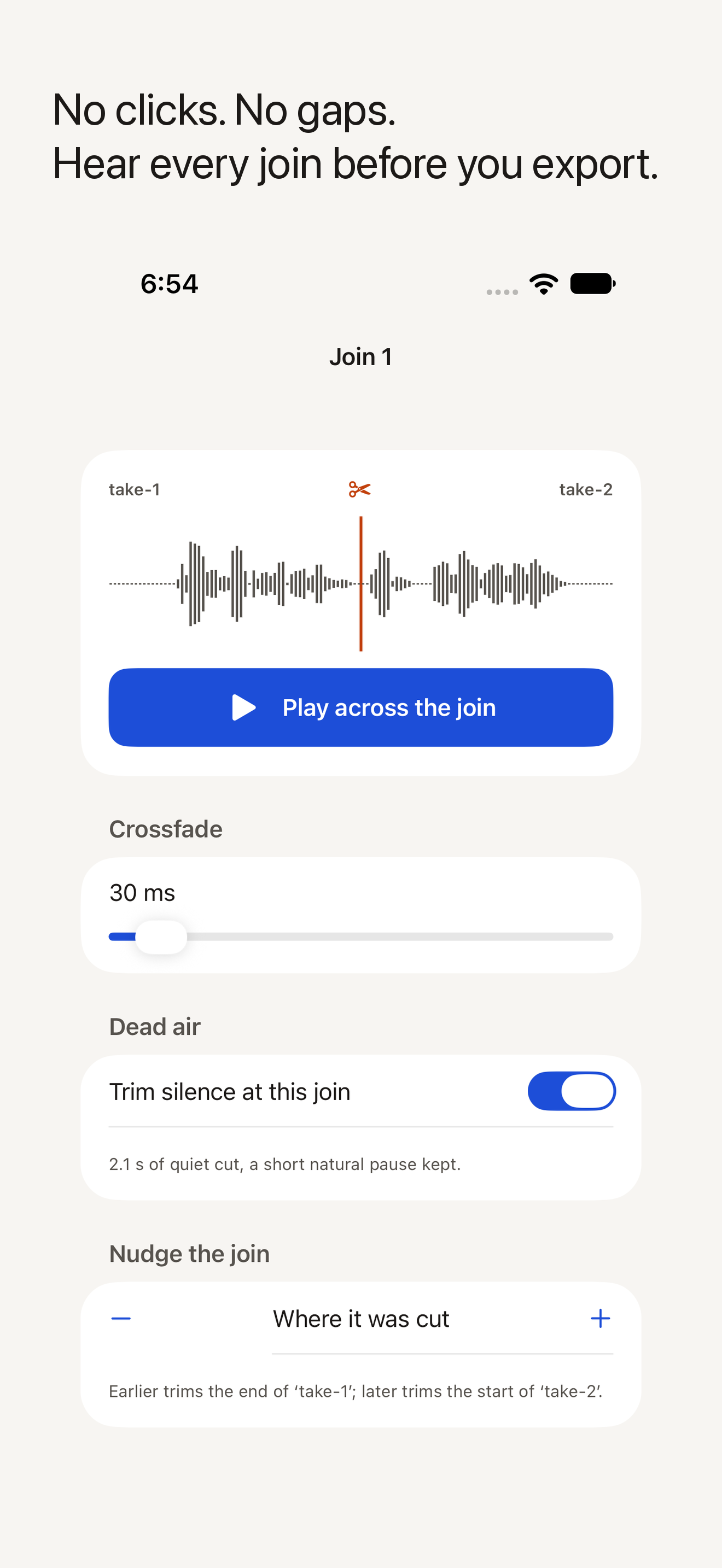
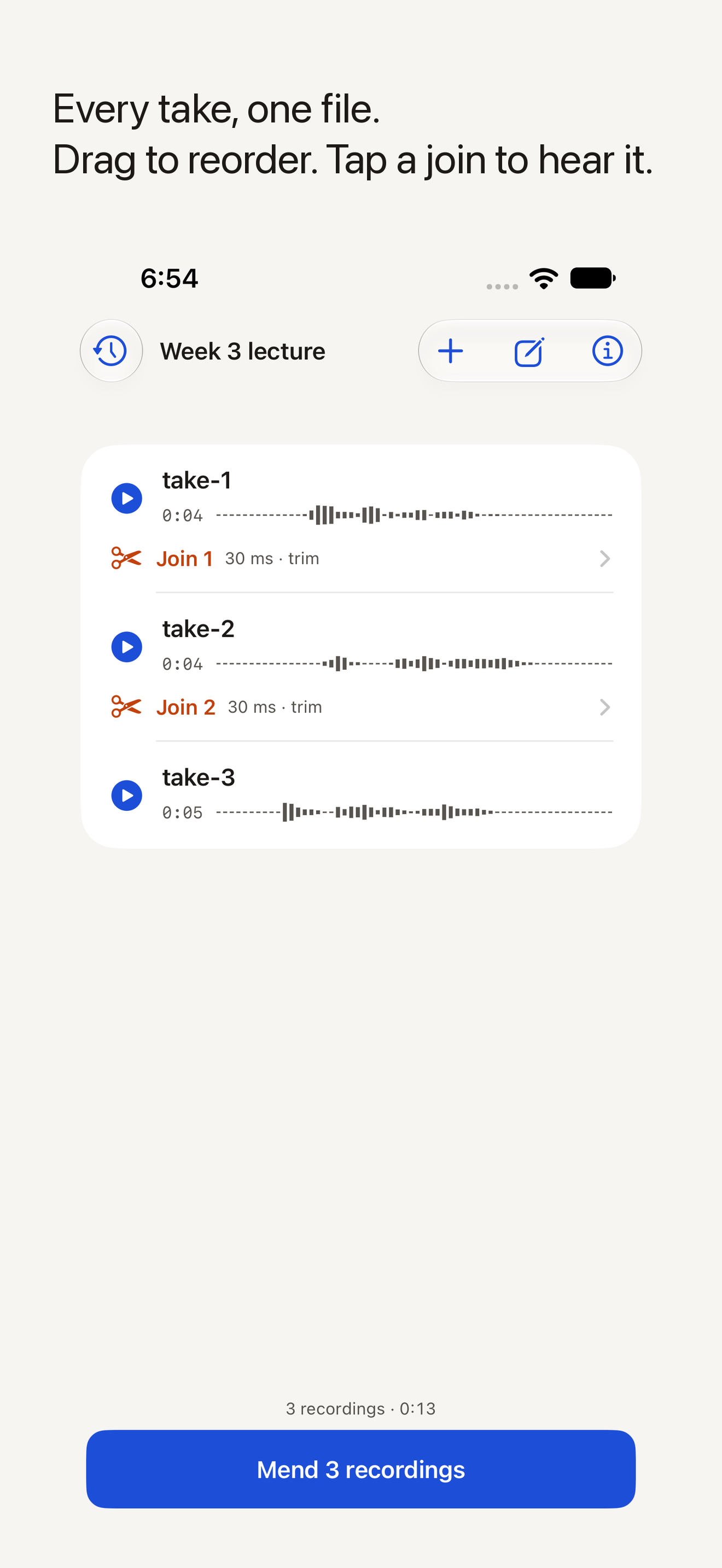
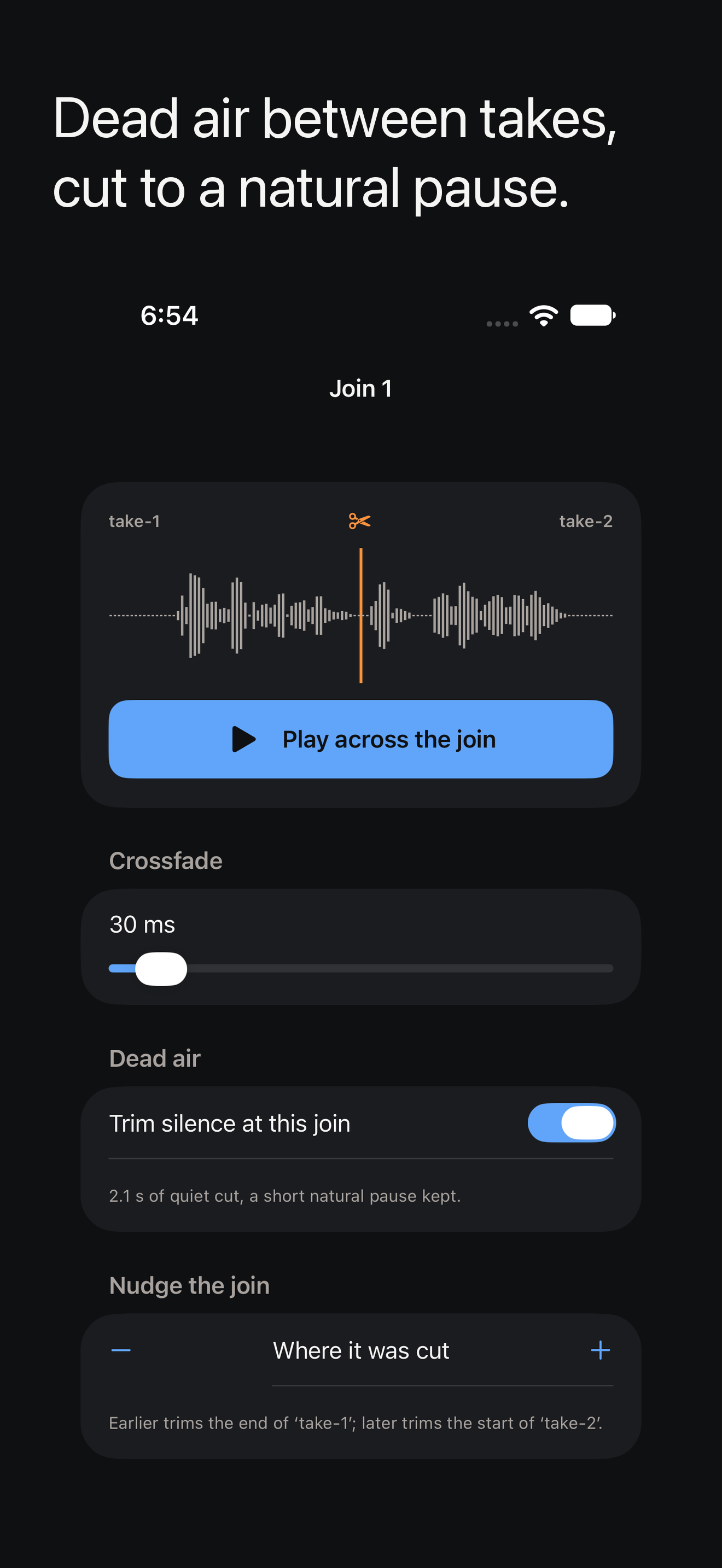
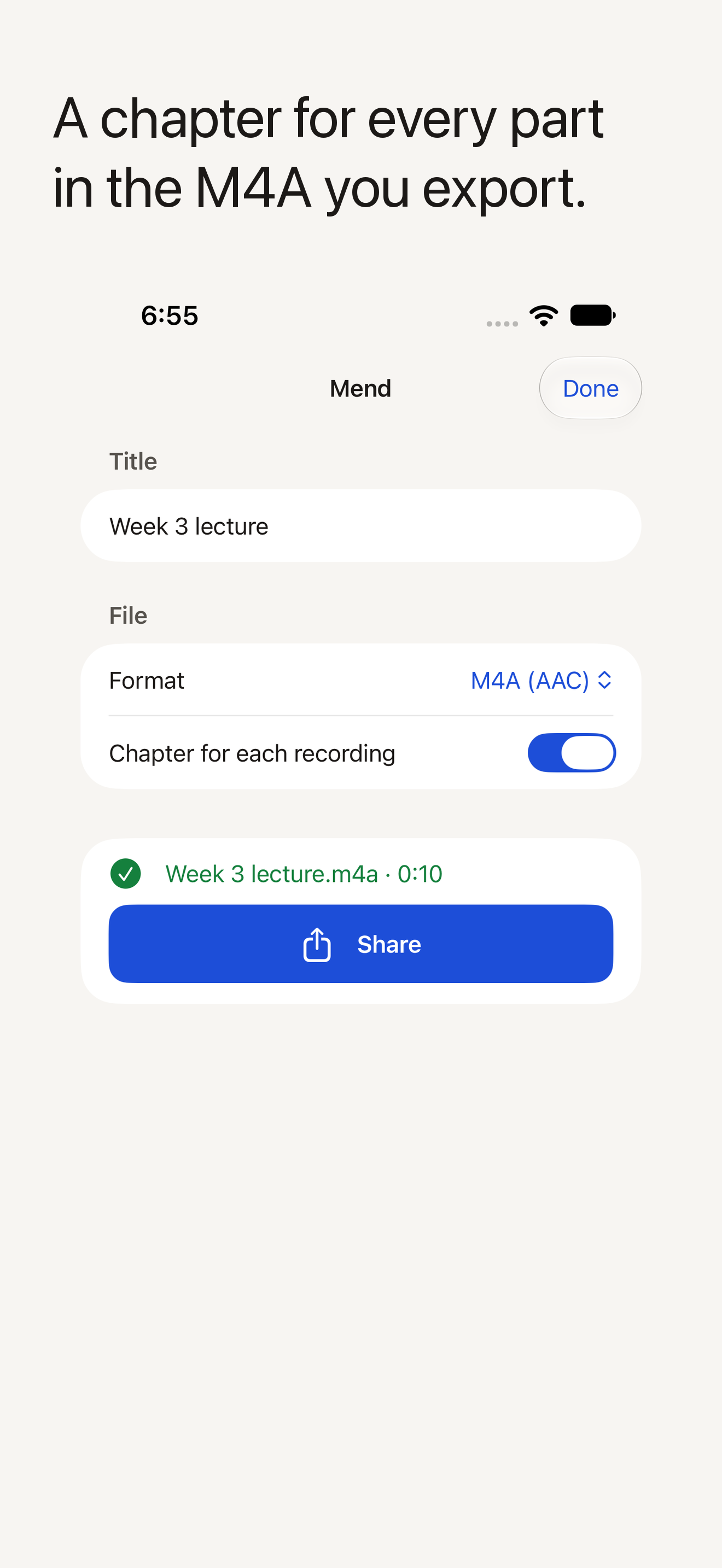
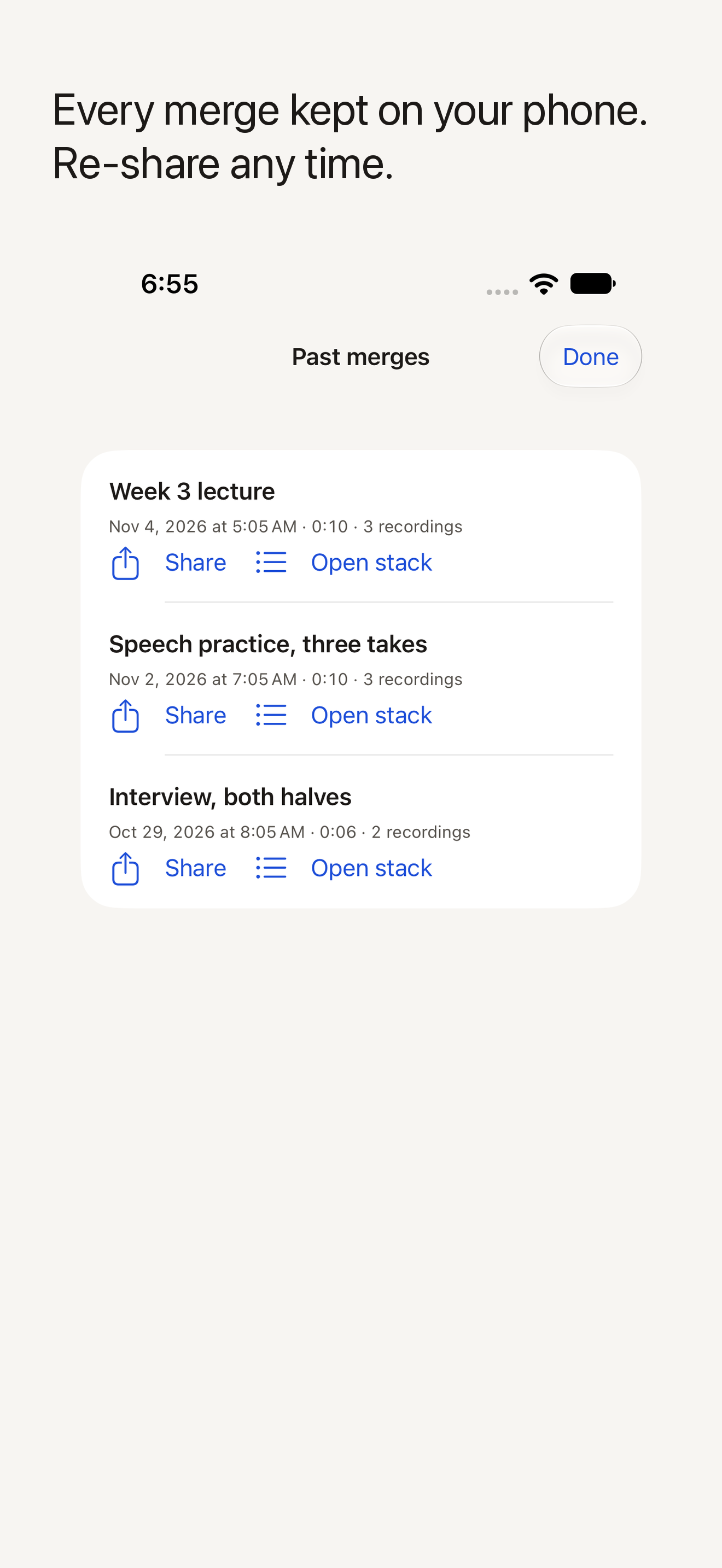
Memo Mender joins voice memos into one clean file. Recorded a lecture in parts, practised a speech in takes, or hummed an idea six times? Add the recordings, put them in order, and the app joins them into a single file to send, upload or keep. Every join gets a short crossfade so there is no click or jump where one recording ends and the next begins; long silences between recordings are shortened to a natural pause; and M4A exports carry a chapter for each recording, named after it. It does not record and does not edit inside a recording — only the joins change. First release, November 2026.
Three facts
- Price. USD 3.99, paid once. No in-app purchases, no subscription, no ads.
- Platform. iPhone, iOS 17 or later. English (U.S.).
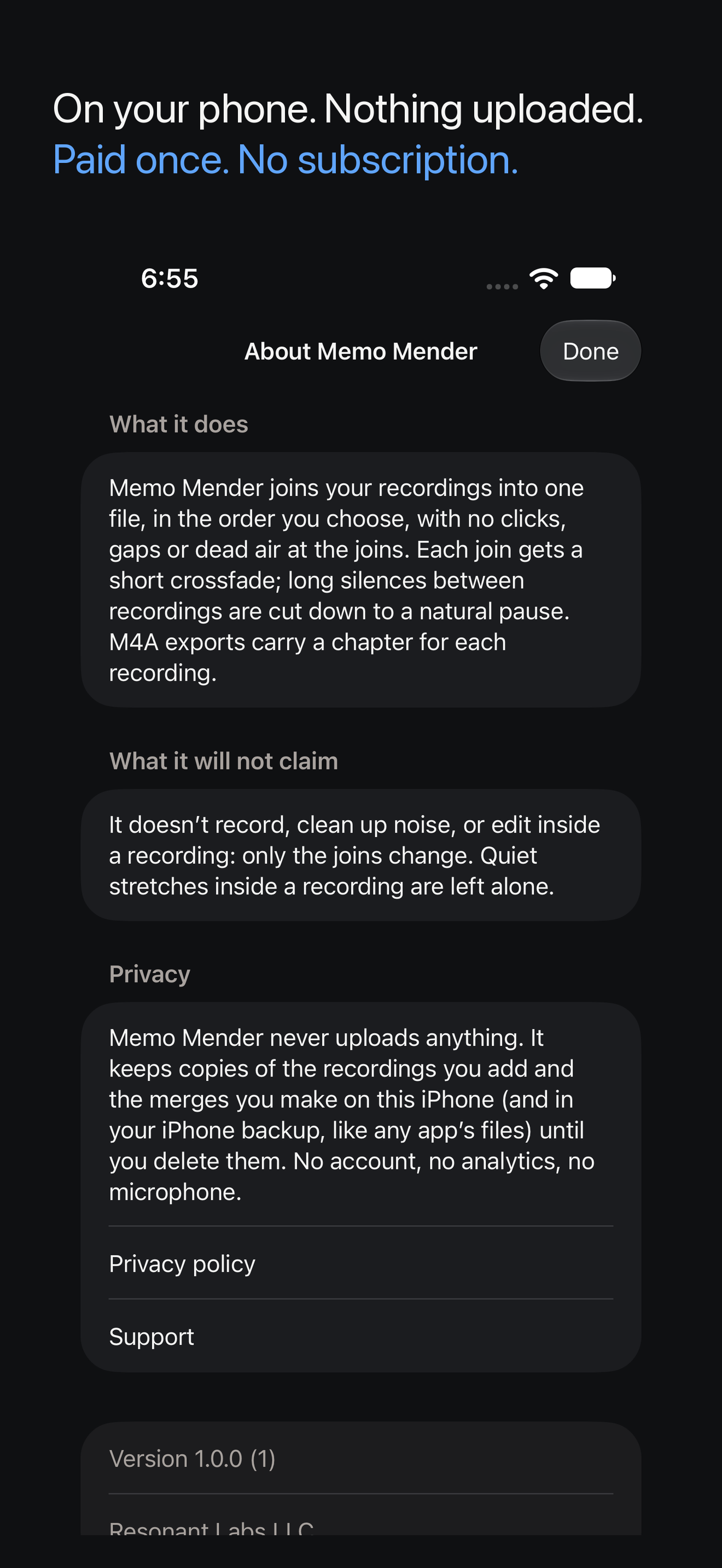
- On the phone and private. No account, no analytics, no permissions requested, nothing uploaded; App Privacy “Data Not Collected”.
Honest limits
Memo Mender is a joiner, not an editor. It does not record, remove noise, transcribe, or cut inside a recording; quiet stretches inside a recording are left alone. Exports are M4A (AAC) or WAV; WAV files cannot carry chapters. Chapters are written as a QuickTime chapter track and verified by reading them back in automated tests; how a given player displays them is that player’s business. iPhone only.
Pricing and availability
US$3.99 (the local equivalent in Canada), paid once. No subscription, no in-app purchase, no ads. iPhone only. On the App Store in the US and Canada since 13 November 2026: apps.apple.com/us/app/memo-mender-join-voice-memos/id6833764442.
Screenshots
All 1320 × 2868, from the release-candidate build on an iPhone 17 Pro Max simulator, seeded with sample recordings through the app’s own import path. Click a frame for the full-size file.
Icon: icon-512.png
Privacy
Recordings and merges stay on the phone. No account, no analytics, no subscription. The app requests no permissions and makes no network requests; the only network use is opening the support and privacy pages when you tap them.
About Resonant Labs LLC
Resonant Labs LLC is a bootstrapped, solo-operator software studio. Its founder is a neuroradiologist who builds her own software.